UNOPACS · Free version
Free online DICOM viewer. Open and share studies.
A free DICOM viewer for image discussions: open CT, MRI and X-rays in your browser and share a link to view them together. No installation or account required.
Share DICOM studies by link in three steps.
Which series? Which slice? Show the location in the image instead of describing it over the phone.
-
Choose the relevant series
Open your DICOM files in the browser to get an overview. Select the images you want to discuss.
-
Send the invitation
Choose “View together” to prepare a temporary upload. After reviewing the images and confirming, you receive a link for the other participants.
-
Guide the discussion
As one person navigates the study, everyone follows the same image view. Hand over control when someone else wants to take a closer look.
View CT, MRI and X-rays together online.
For a quick question about a CT series or a joint review of external X-rays: start a time-limited image discussion without setting up an archive.
Beyond a single screenshot
Stay within the series: scrolling, zoom and windowing are synchronised. Explore the images around a point of interest together.
One person guides, everyone follows
Transferable control keeps participants on the same view. Use your phone or a separate video call for the conversation.
A defined end to access
Sharing ends 35 minutes after session preparation. The link becomes invalid and the uploaded copy is deleted; your local files remain intact.
Make image discussions part of your daily workflow.
The full UNOPACS connects your study inbox, archive and viewer – beyond the end of a single session.
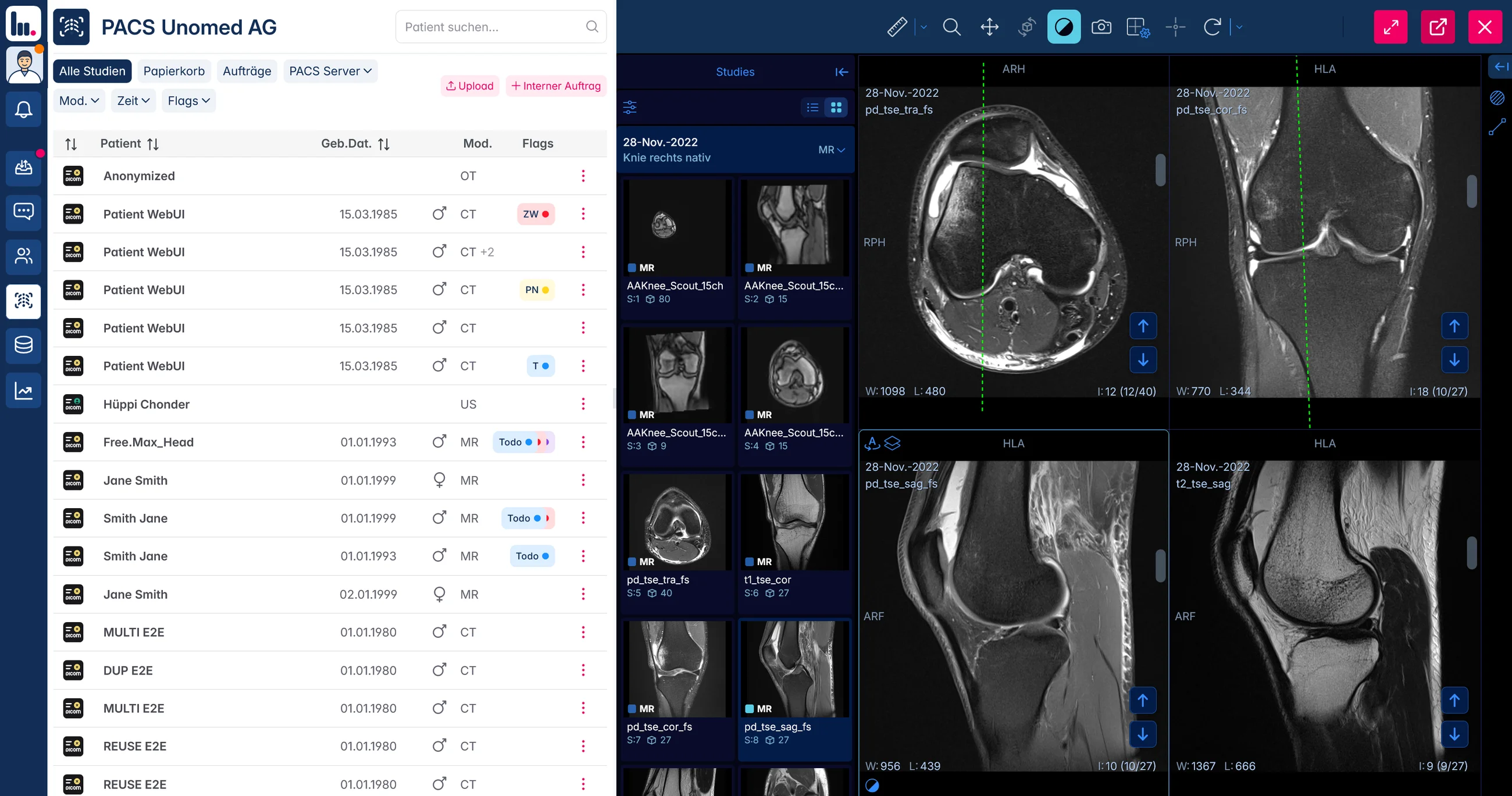
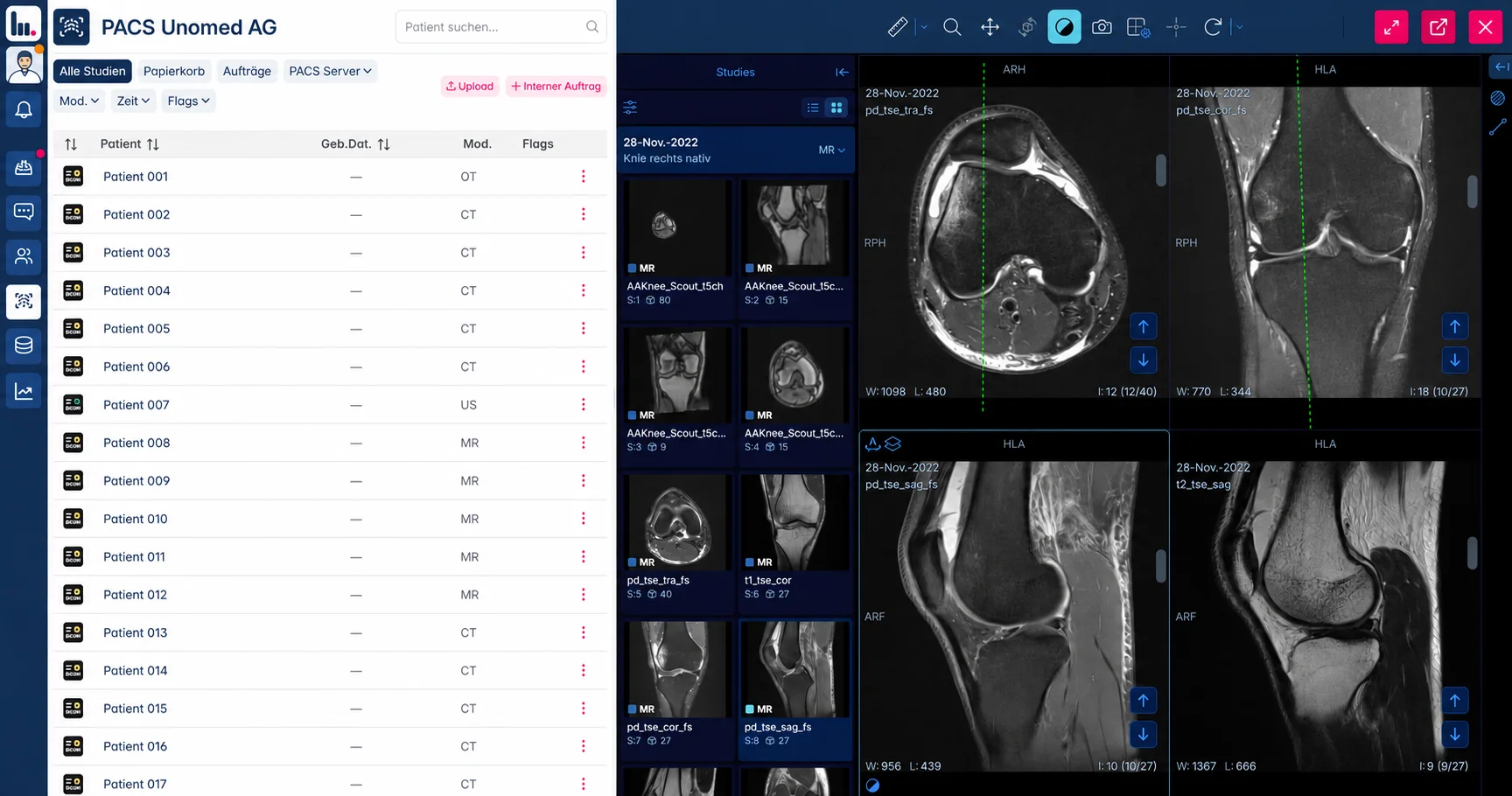
Before your image discussion
Prepare for a shared session.
Practical answers about access, conversation and sharing images.
Can I open DICOM files on Mac or Windows?
Use a current desktop browser on Mac, Windows or Linux. No native viewer needs to be installed. Choose Load files or Load folders to open DICOM files or a ZIP archive. Available memory and browser support can limit large studies.
Do invited participants need a UNOPACS account?
The complete invitation link is enough to join a free image discussion. Share it only with the intended participants: anyone holding the link can join.
Does the session include audio or video?
The shared session synchronises the DICOM image view. Use your phone or your usual video call alongside it for the conversation.
Can someone else take control of the images?
Yes. Control can be handed over during the session. Image selection, magnification and windowing then follow the person currently in control.
What should I check before sending the link?
Check the selected images for embedded names and recognisable faces. Anonymisation removes metadata in the browser, but does not remove identifying content from image pixels. Upload starts only after your confirmation; suitable CT, MR, CR and DX files are supported.
Can I use the same link again tomorrow?
No. The 35-minute period starts when the session is prepared. After that, the uploaded copy is deleted and access is blocked. For a later appointment, reopen your local original files and prepare a new session.
Can the free version serve as a permanent practice archive?
Free sessions are intended for time-limited discussion. The full UNOPACS Cloud PACS provides an ongoing study inbox, permanent storage and connections to your systems.